
Whio
Read technical books comfortably.
Whio is an EPUB and PDF reader for technical books on iPhone and iPad, with a focus on readability and accessibility.

Read technical EPUBs and PDFs in an app built for them.
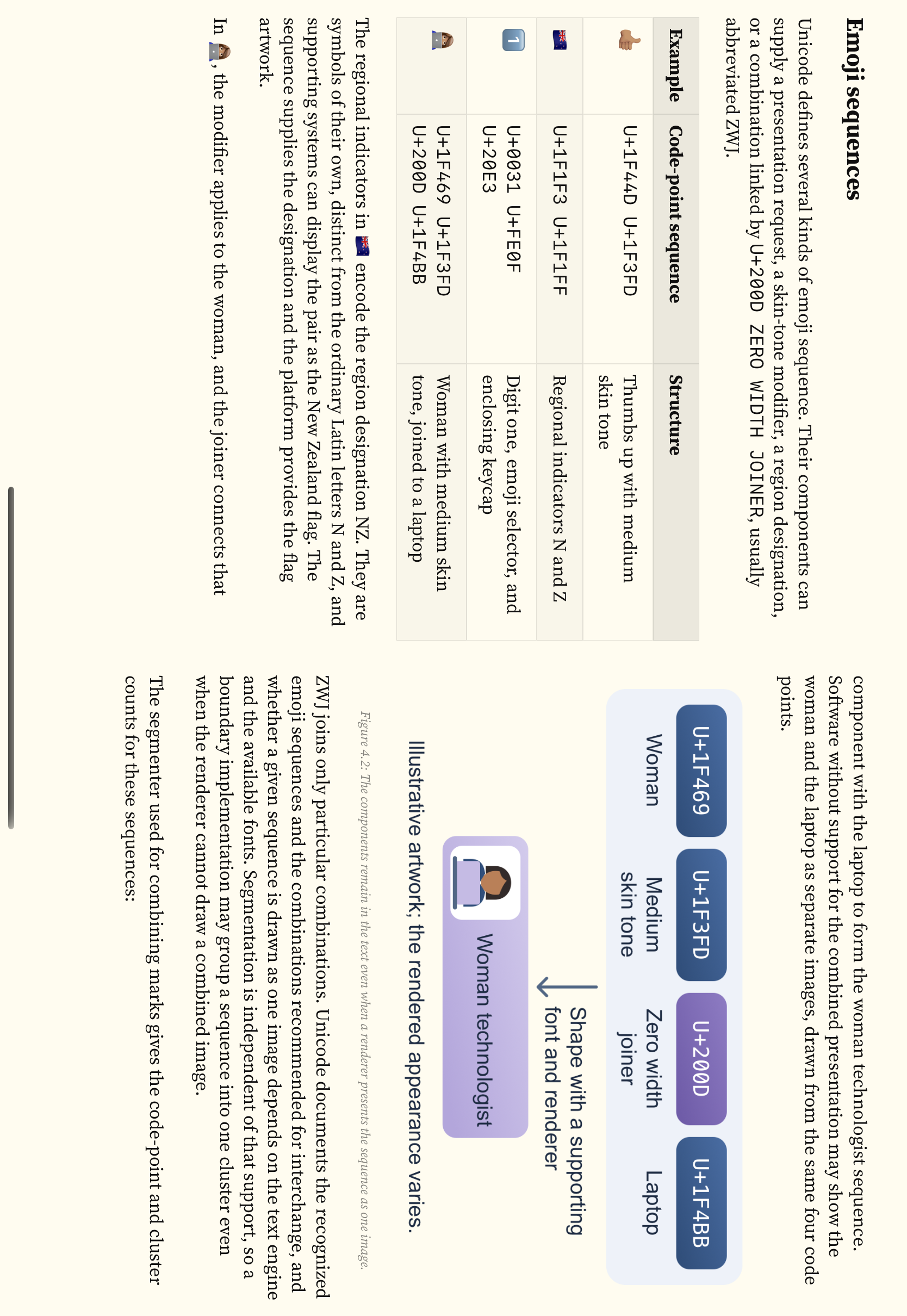
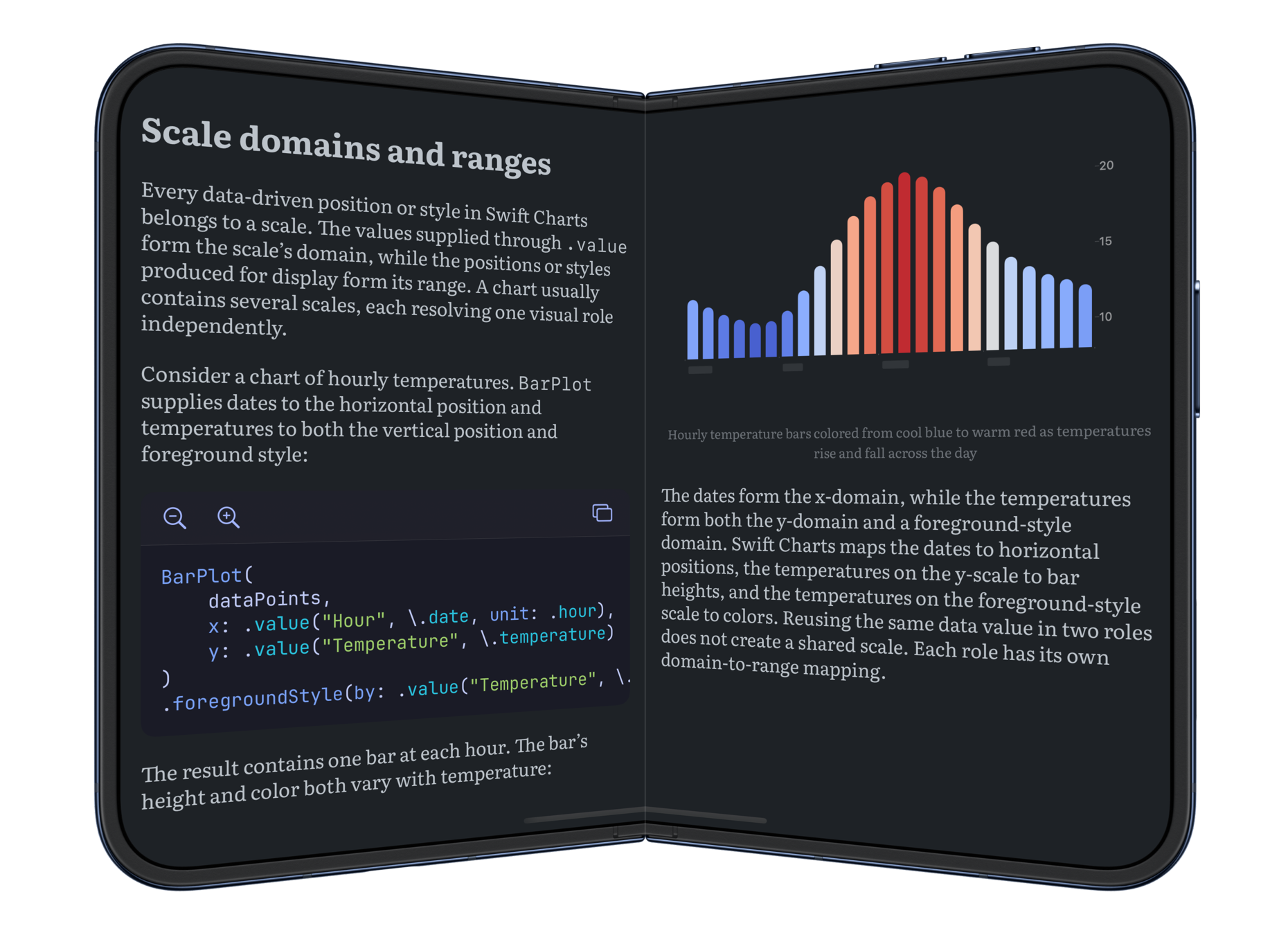
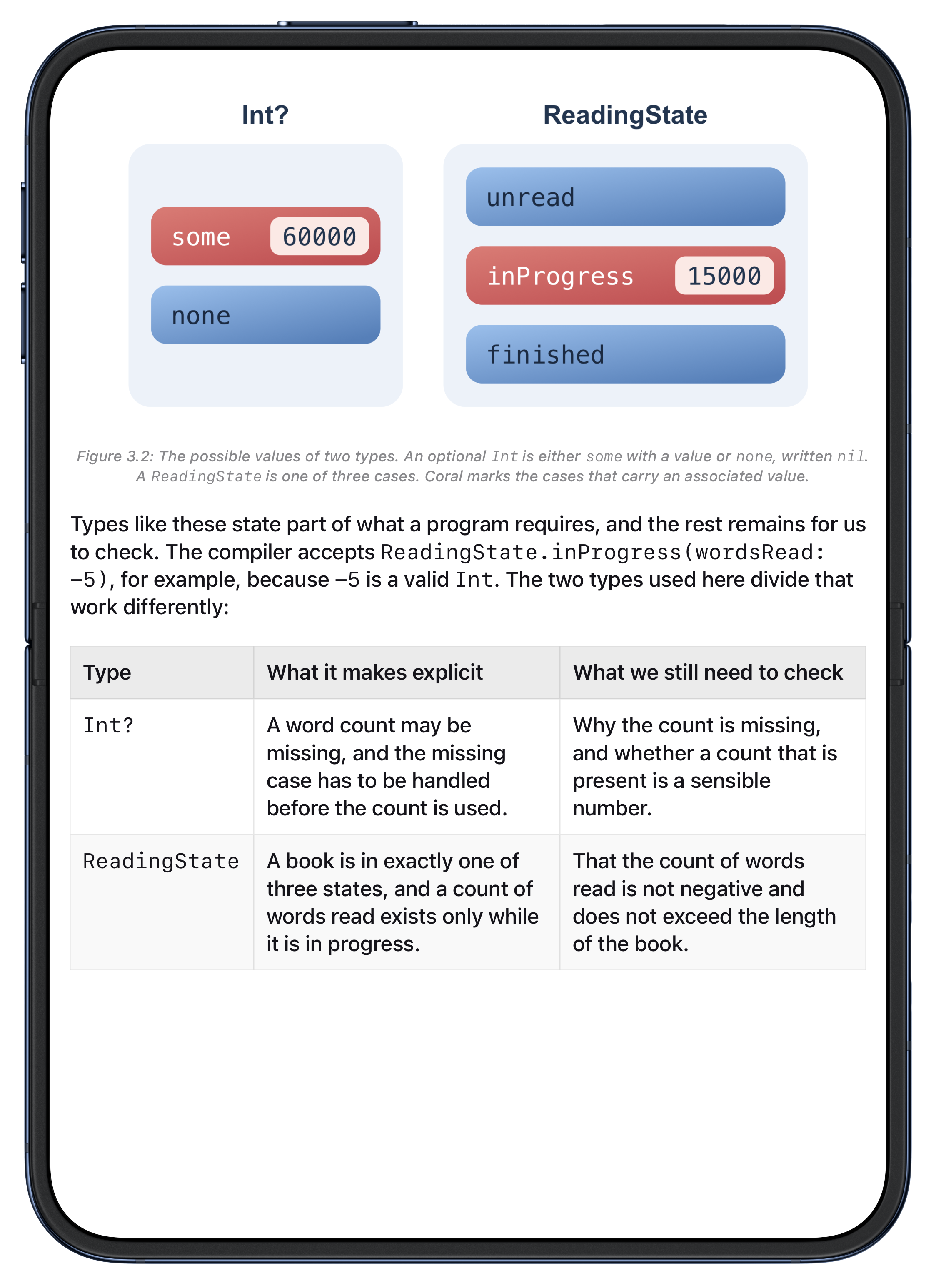
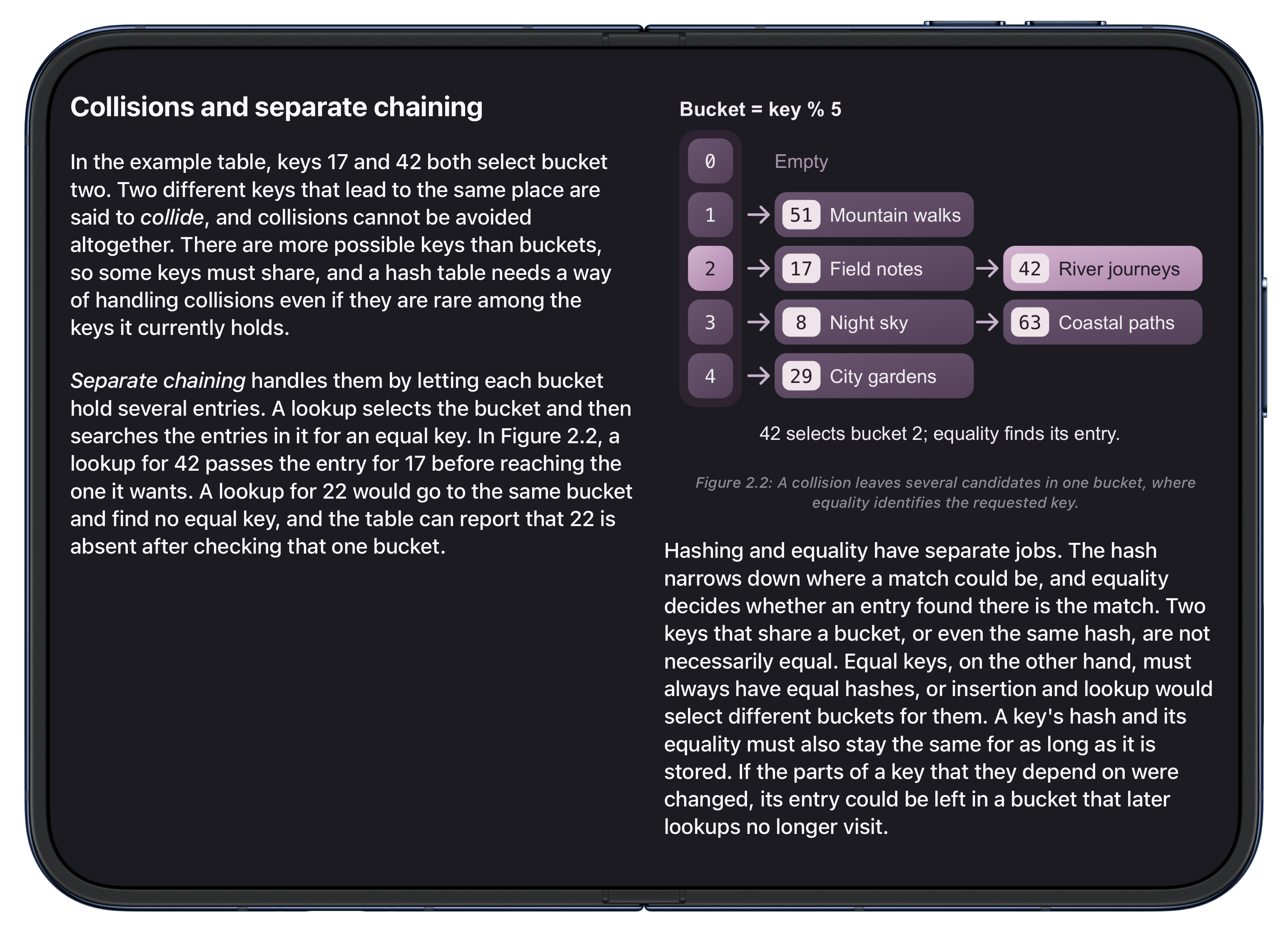
Whio is designed specifically for technical books on iPhone and iPad, including iPhone Duo. With support for code examples, diagrams, and detailed explanations, it gives you clear syntax highlighting, illustrations to explore, and independent reading preferences for text and code.
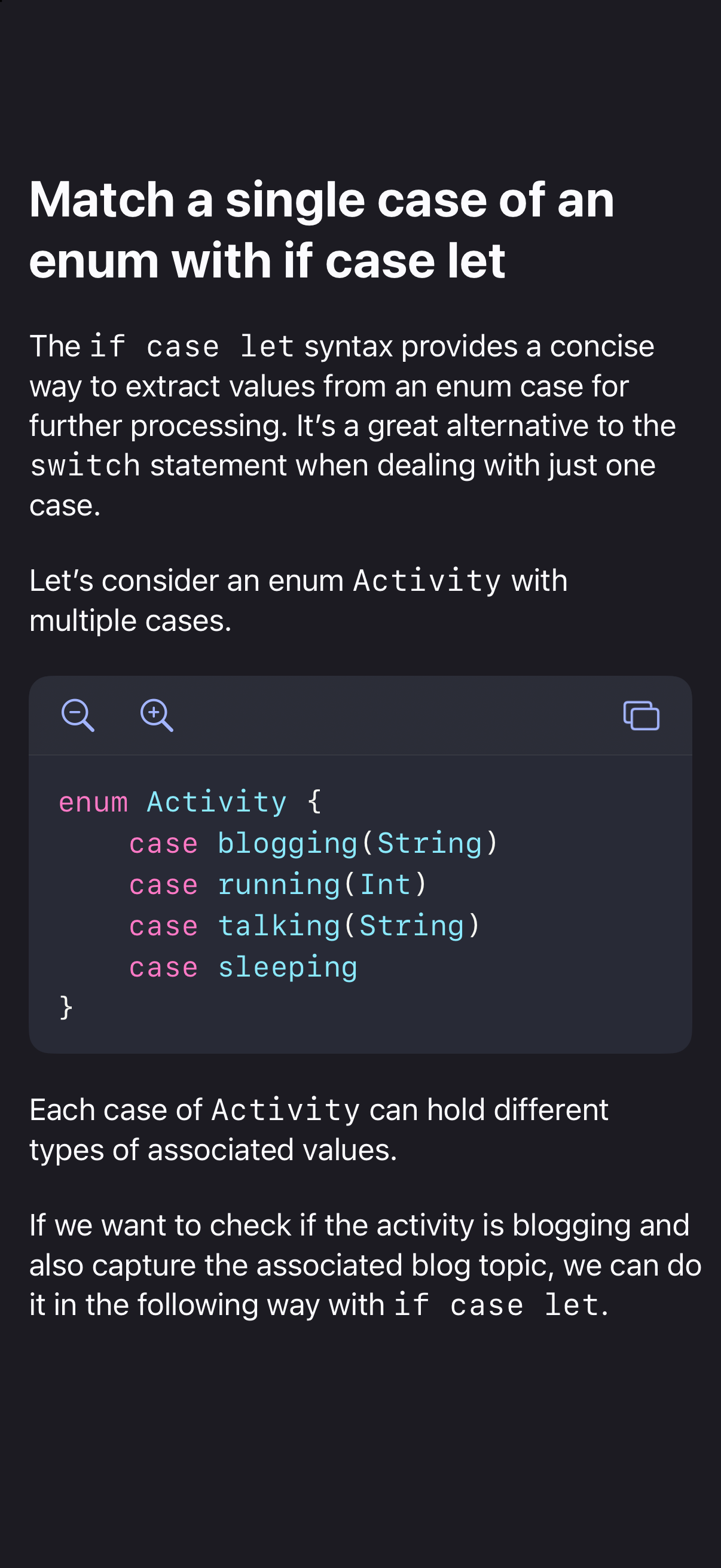
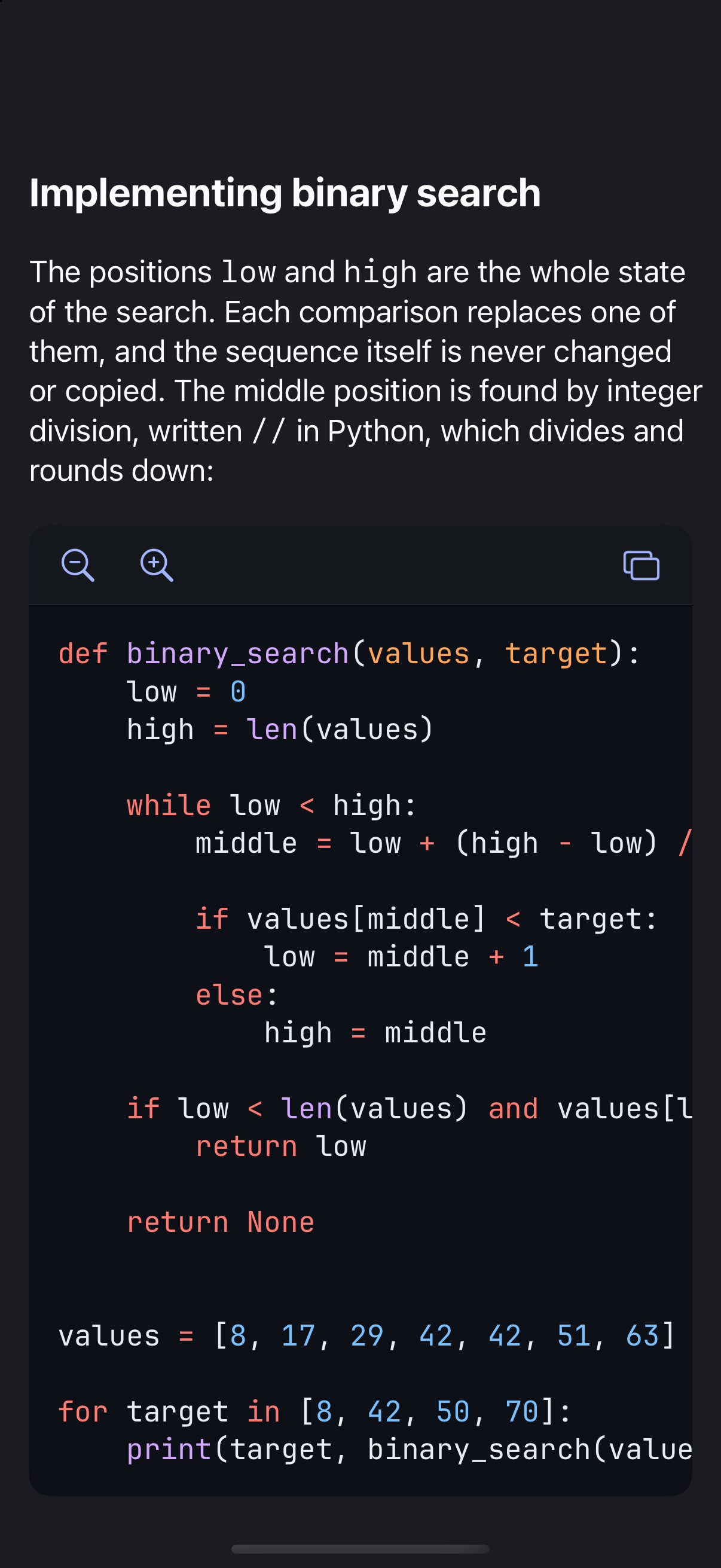
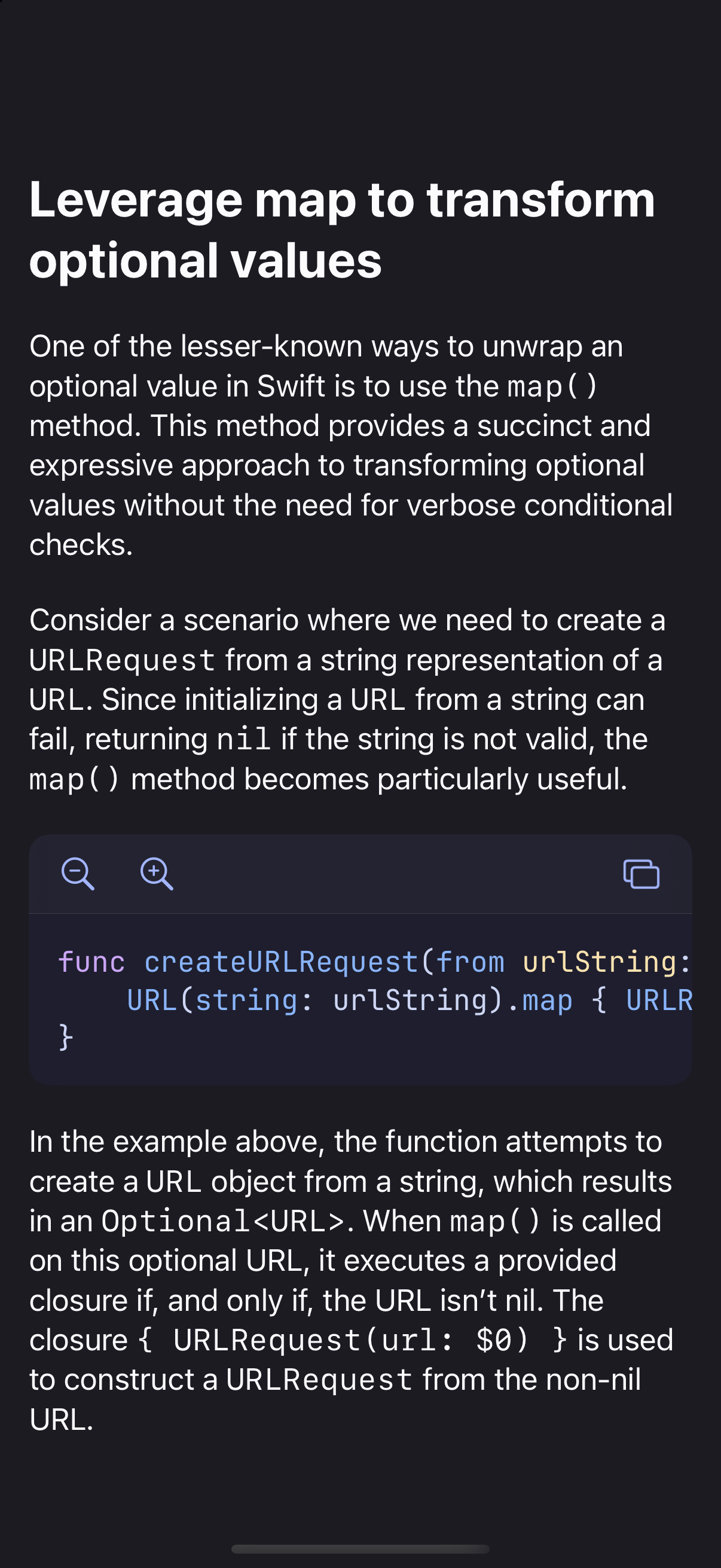
See code clearly and try examples yourself.
Follow the structure of code with syntax highlighting and preserved indentation. Scroll horizontally through long lines, or zoom an individual example in or out without changing the surrounding text. Copy code directly from the book when you're ready to try an example yourself.
Customize typography independently for text and code.
Choose fonts that are comfortable to read, including options with distinctive letter shapes, and adjust text size, weight, and line spacing to your preference. Code has its own font, size, and weight settings, so you can make examples larger or bolder while keeping the prose as you like it.
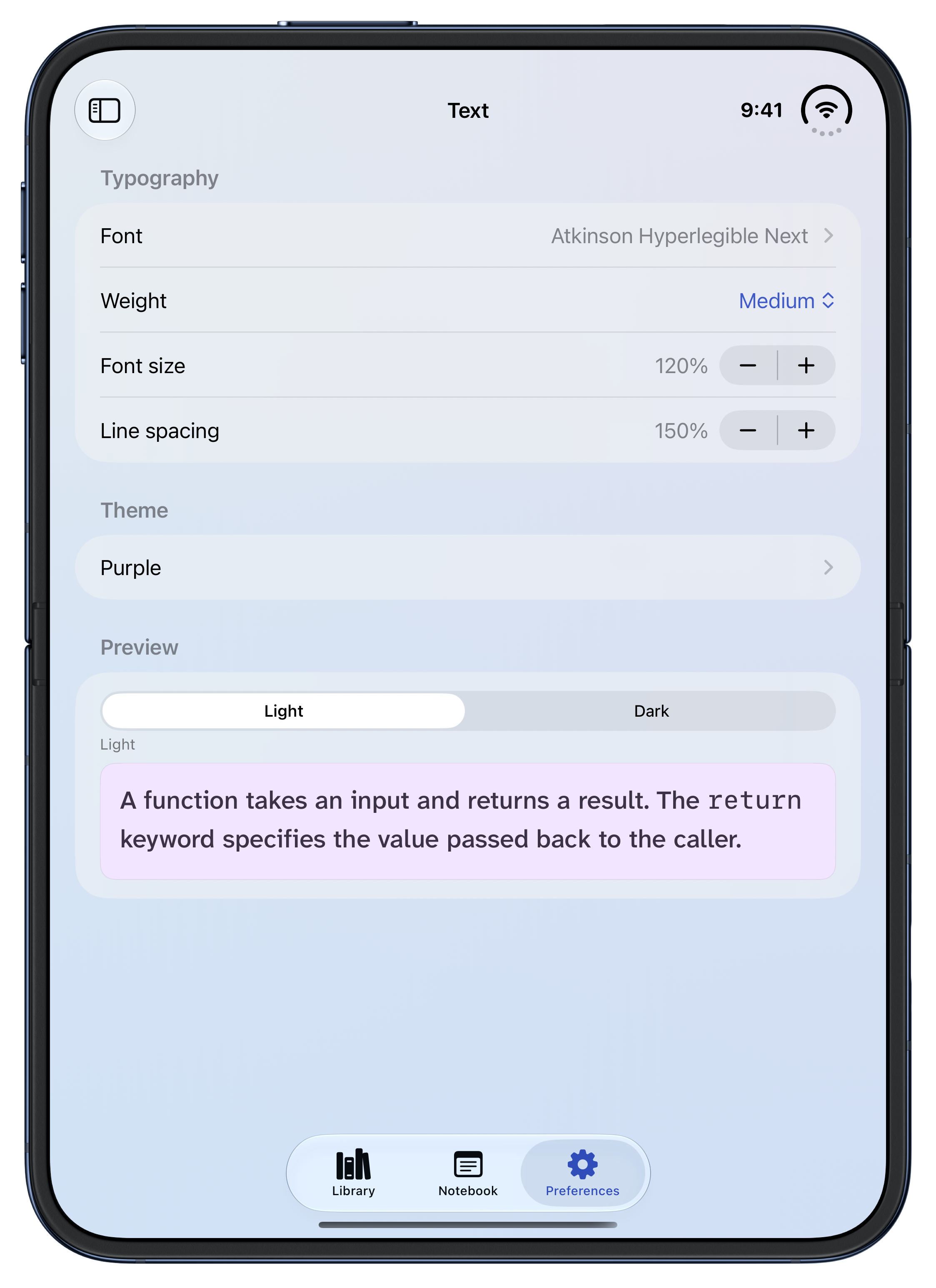
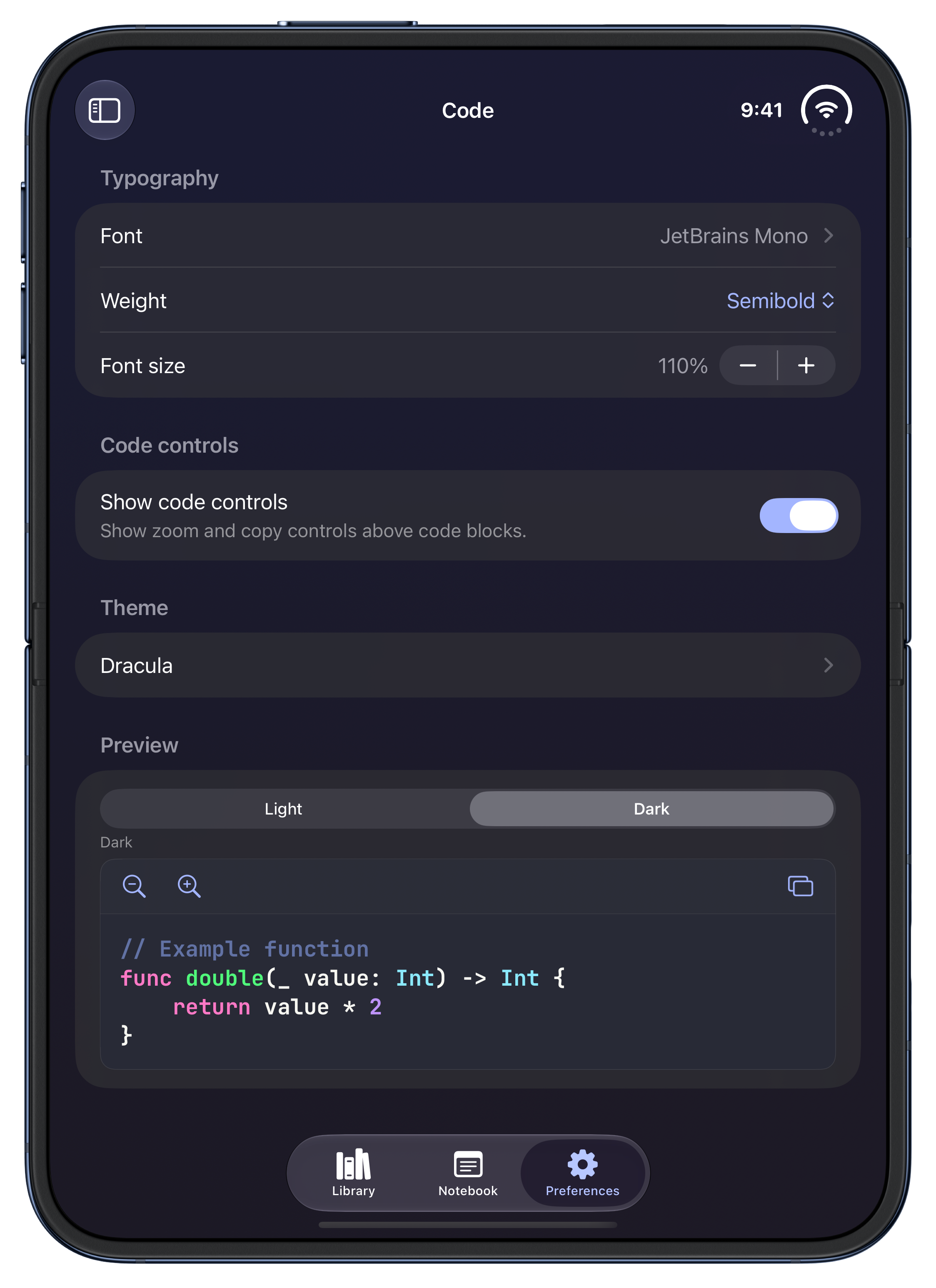
Choose themes that suit your reading needs.
Whio offers high-contrast themes, softer contrast, and tinted backgrounds for different reading needs. Select themes independently for text and code, whether you prefer a softly tinted page, more contrast in examples, or high contrast throughout. Each theme includes light and dark variants, with the option to follow your device's appearance.
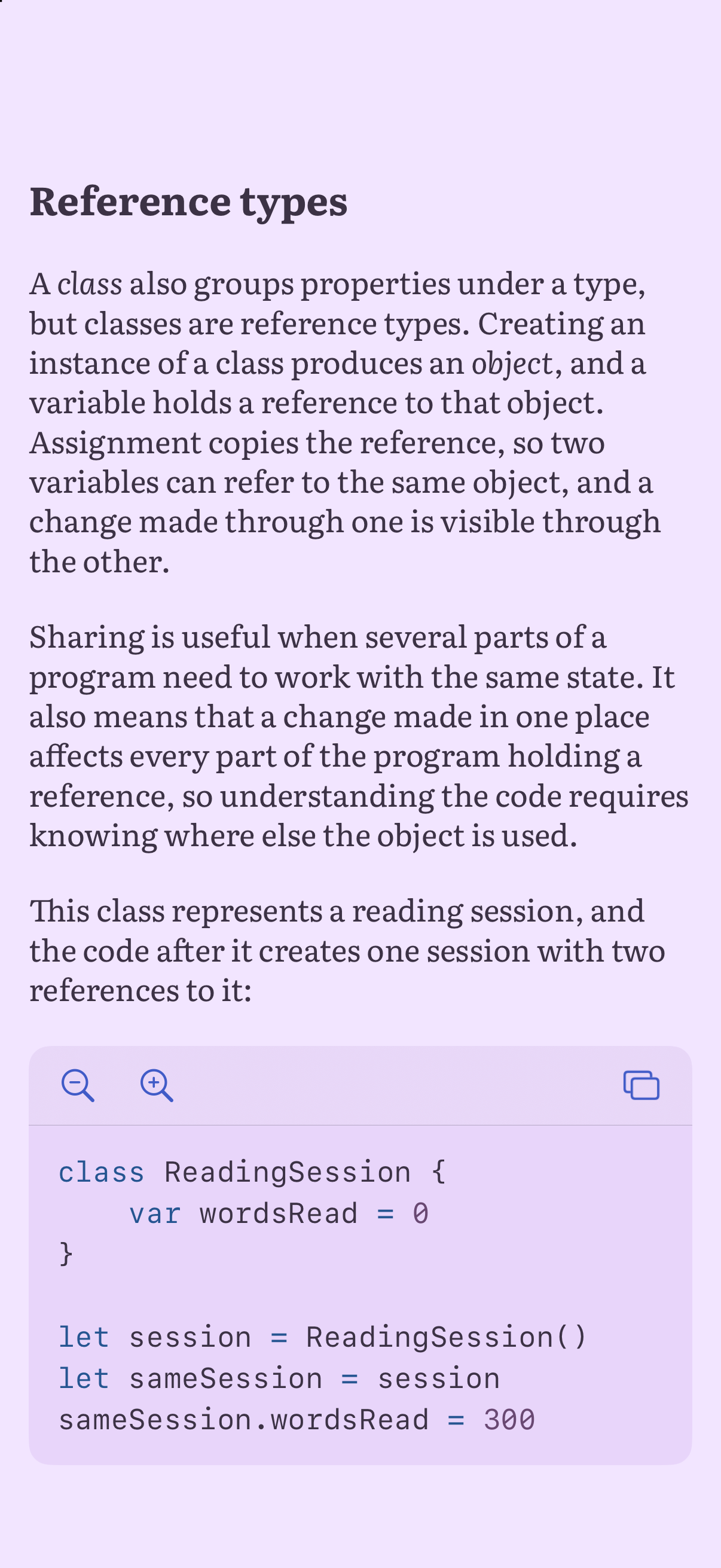
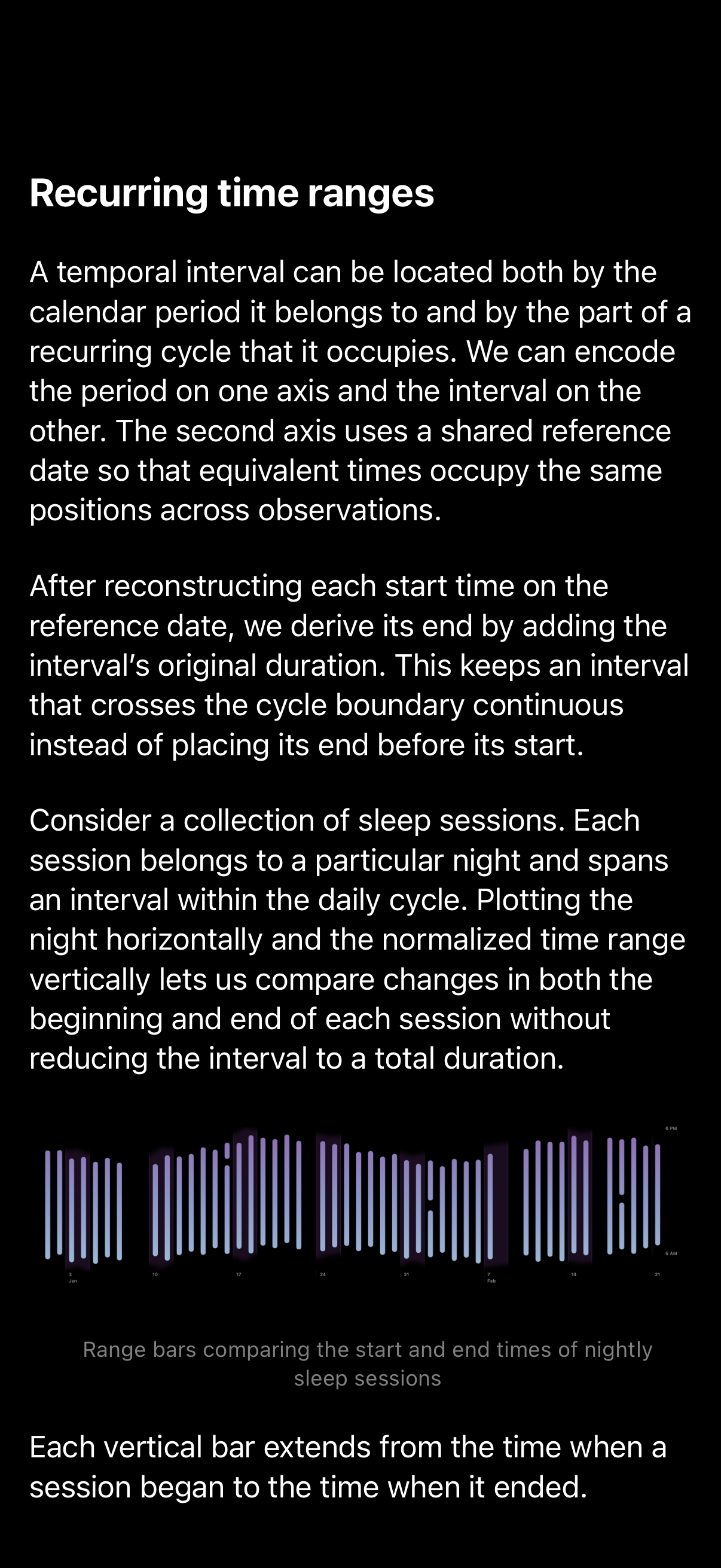
Get additional support as you read.
Whio offers optional reading aids for giving letters more definition and keeping your place in the text.
Give letters more definition.
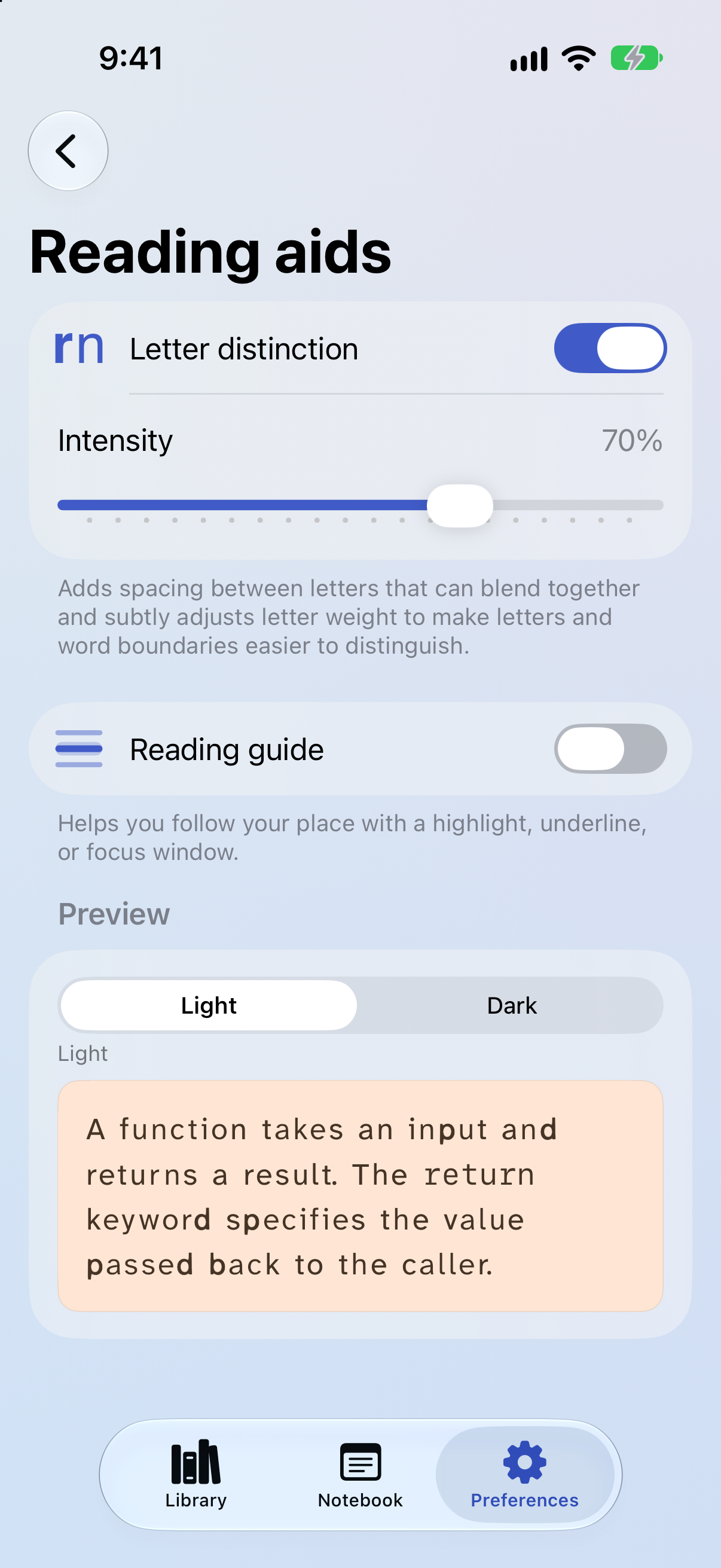
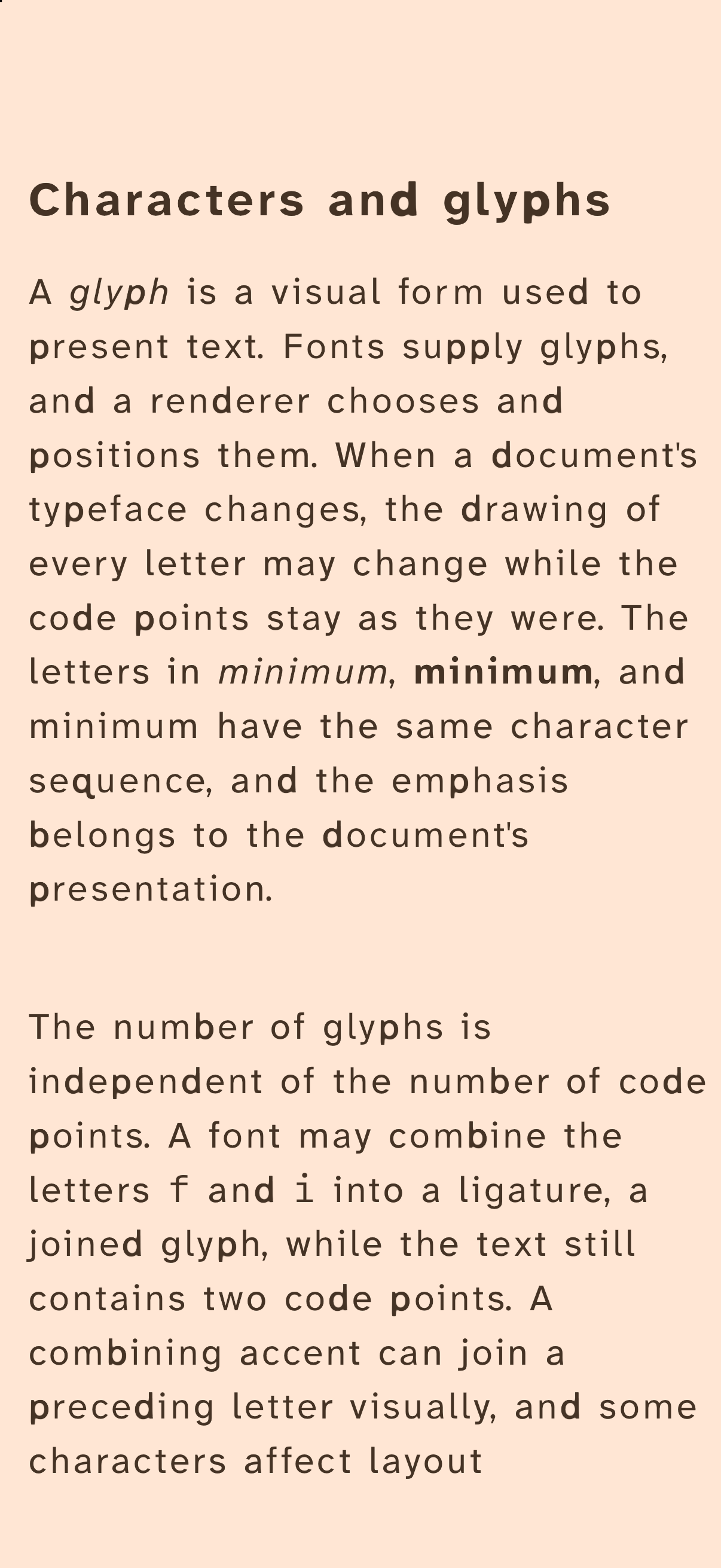
Letter distinction adds space between letters that can blend together and subtly varies their emphasis to help distinguish letter shapes and word boundaries. Adjust the intensity to find a presentation that suits you.
Keep your place as you read.
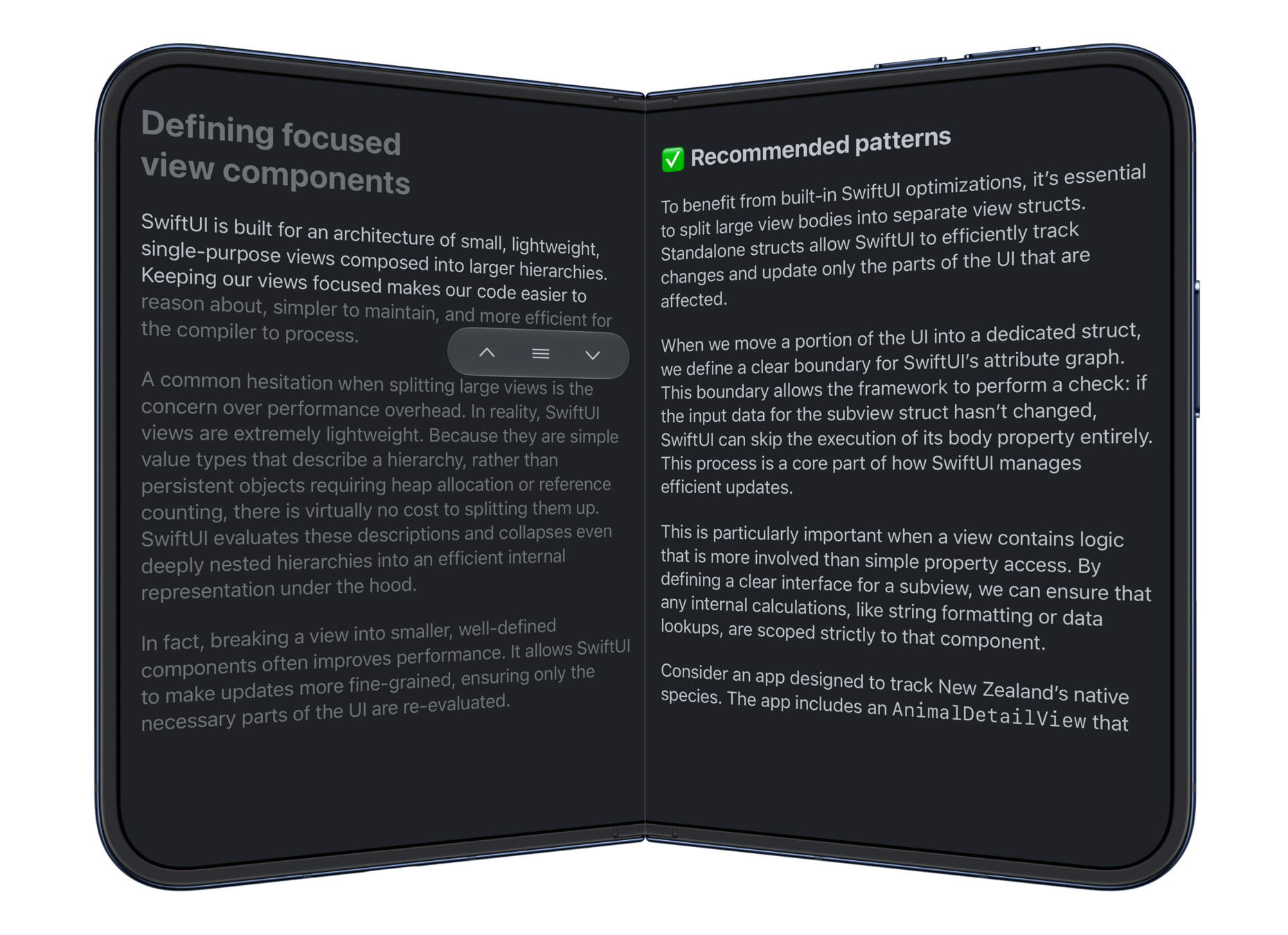
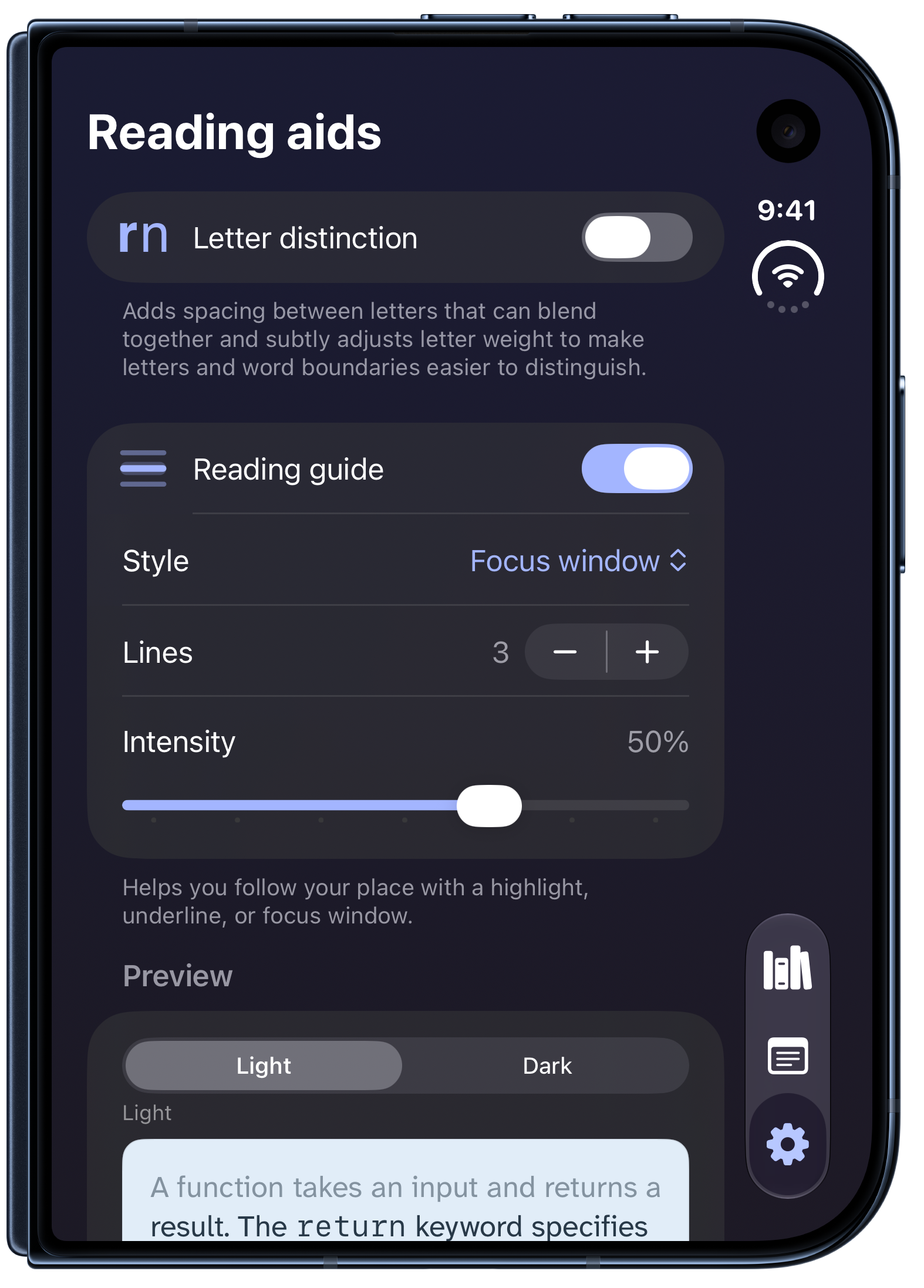
A reading guide lets you underline the line you're following or keep a few lines in focus while dimming the surrounding text. Move the guide through the passage as you read. With the focus window, you can choose how many lines stay in focus and how much the surrounding text is dimmed.
Save passages and notes in your Notebook.
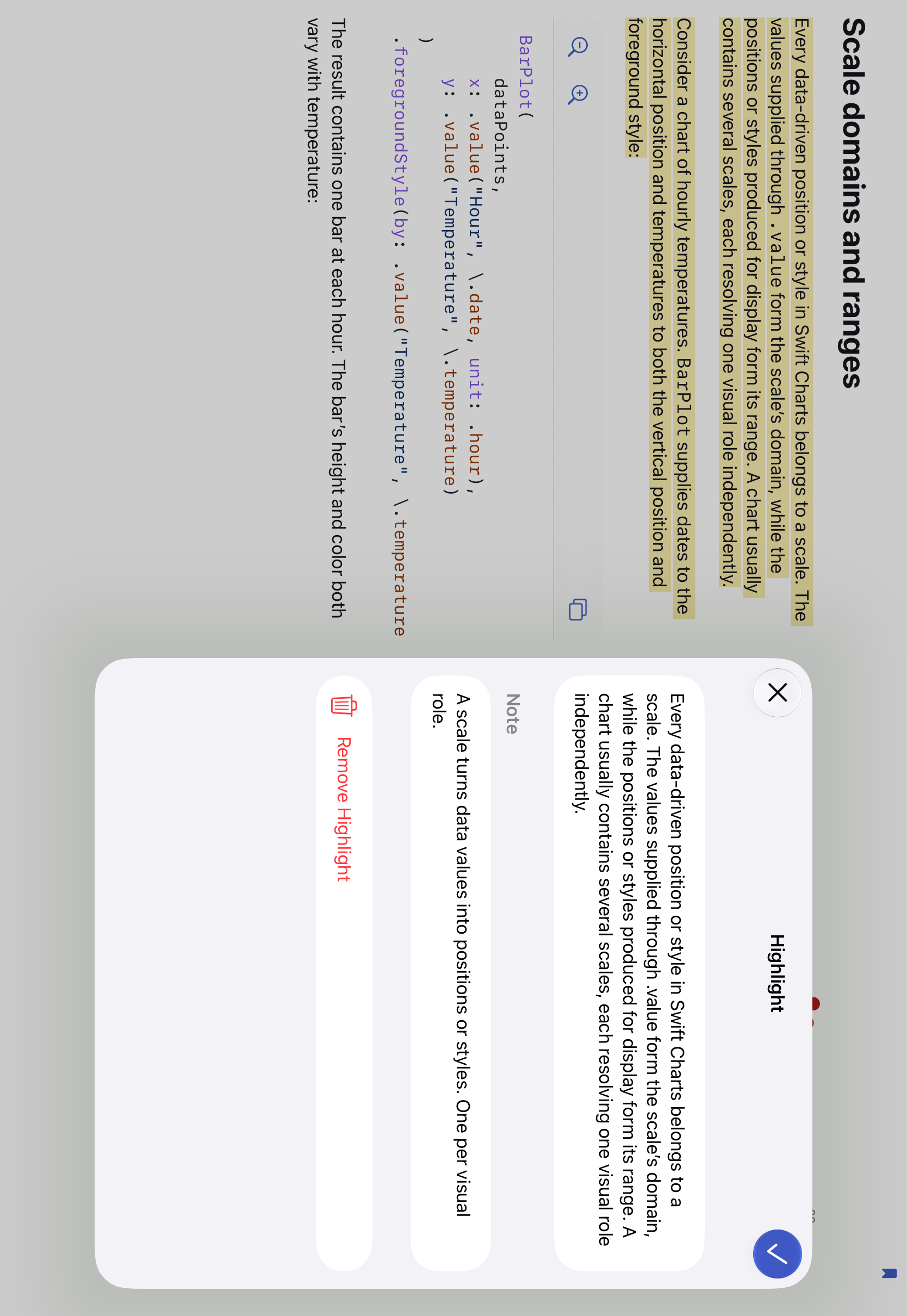
Highlight a passage or a code example and add a note of your own, or bookmark a page to come back to. The Notebook collects everything you save across your books, so you can search it, open any passage in its book, and export a book's highlights and notes.

Whio is 100% indie made, created by Natalia Panferova, a former Apple engineer, Apple Entrepreneur Camp alumna, and technical book author based in New Zealand.
Download Whio for iPhone and iPad.
Works with DRM-free EPUBs and PDFs.